About the Statistics Reports Page
This topic provides quick reference for the elements on the Statistics reports page, which includes but is not limited information about its links, buttons, input controls, and navigational components. As a quick reference, the topic provides short but useful summaries and descriptions of each element on the page to help you quickly understand its particular function and the tasks you can use it to perform.
In this topic
Overview of the Statistics Reports Page
Overview of the Statistics Reports Page
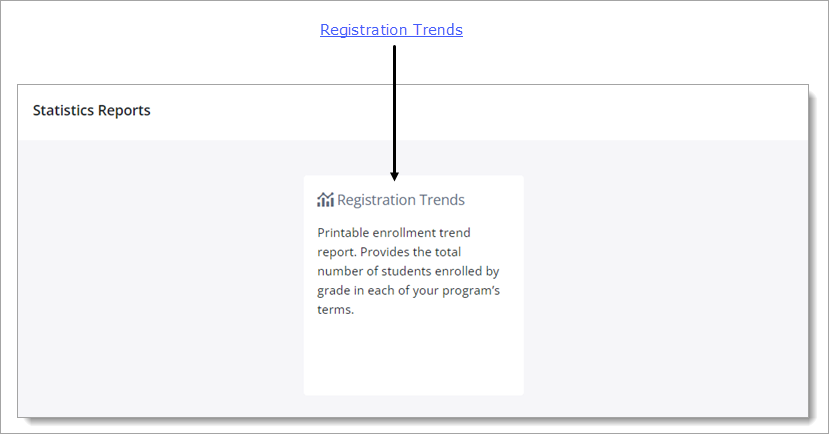
The Statistics Reports page features an enrollment trend report that enables you to view trends in your program's enrollment data. The report is useful for analyzing enrollment trends over time and for viewing growth and attrition rates for specific grades.
Types of Reports
Registration TrendsRegistration Trends
This report provides insights into enrollment counts from term to term. It shows total enrollment number for each term in your program and student counts for each grade level. The information provided can help parish staff see how enrollment is trending over time.
For instructions on creating this report, go to How to Create a Registration Trends Report.
Report Filters
The Statistics report filters are listed below. Click the name of a filter to open it and view its description.
This dropdown list contains all of the terms created for your organization's Religious Education programs. Select the desired term to view its enrollment statistics.
Related Topics
How to Create a Registration Trends Report